

Fast on any size
A GPU canvas draws big diagrams smoothly. Zoom, pan and drag hundreds of shapes without waiting.
For Mac · macOS 14 or later
DiagraMint is a fast, native Mac app for flowcharts, mind maps, org charts, network and floor plans, timelines and infographics. No subscription and no account. Pay once and every future update is yours.
Launch price for the first 100 Macs. Then $29, then $49.
Features
A GPU canvas draws big diagrams smoothly. Zoom, pan and drag hundreds of shapes without waiting.
Start from a finished diagram for business, software, engineering, building plans, education and infographics.
Elbow lines route around shapes and stay glued when you move things. Smart guides line everything up.
Flowchart, BPMN, UML, network, electronics, P&ID, floor plan and cloud architecture symbols, ready to drag in.
Import Visio (.vsdx), draw.io, SVG, DXF, Mermaid and spreadsheets. Export PNG, JPEG, SVG, PDF, PowerPoint and Visio.
Describe a diagram and Mint draws it, or ask it to tidy, explain or extend the one you have. Uses your own Claude key.
Templates
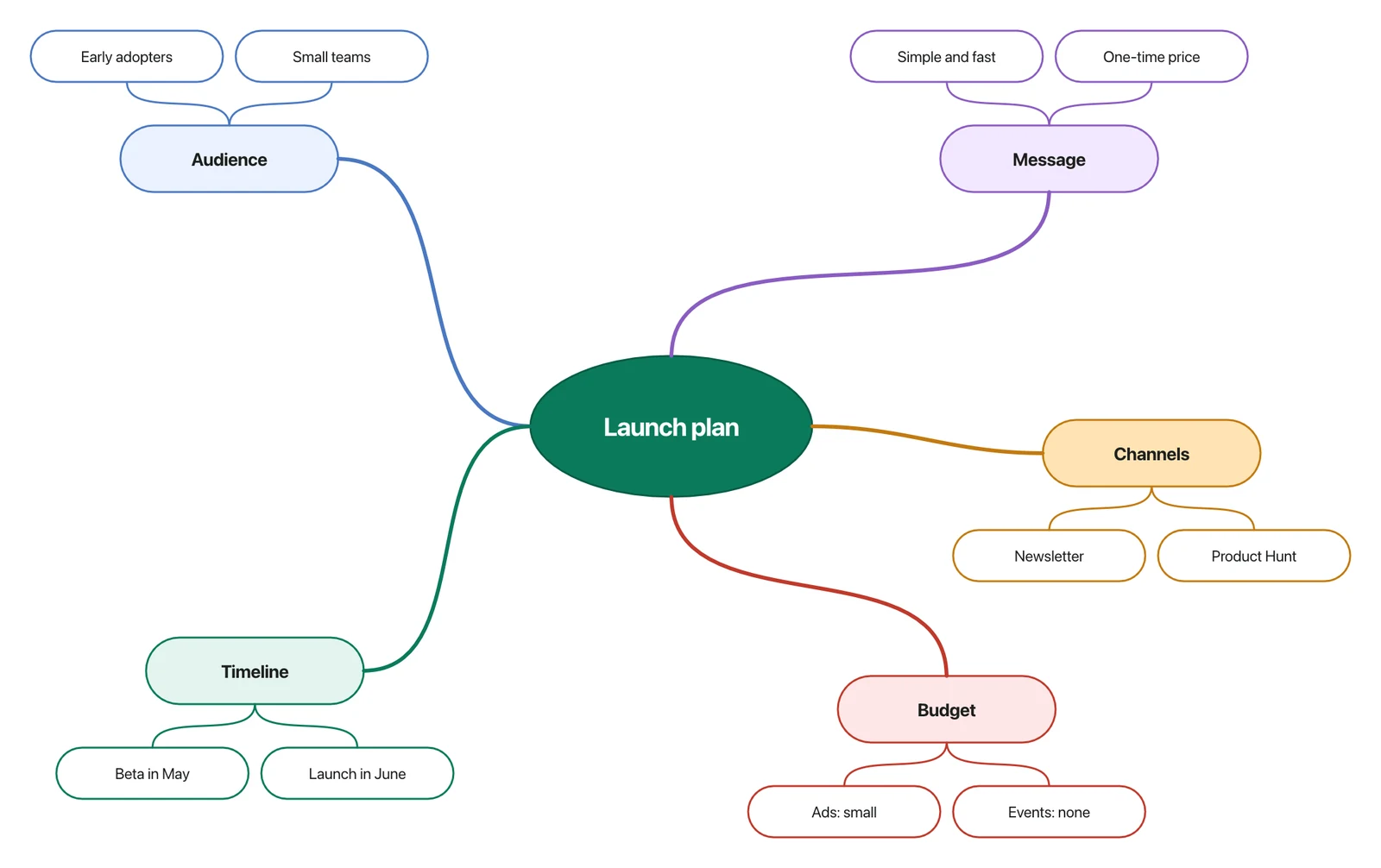
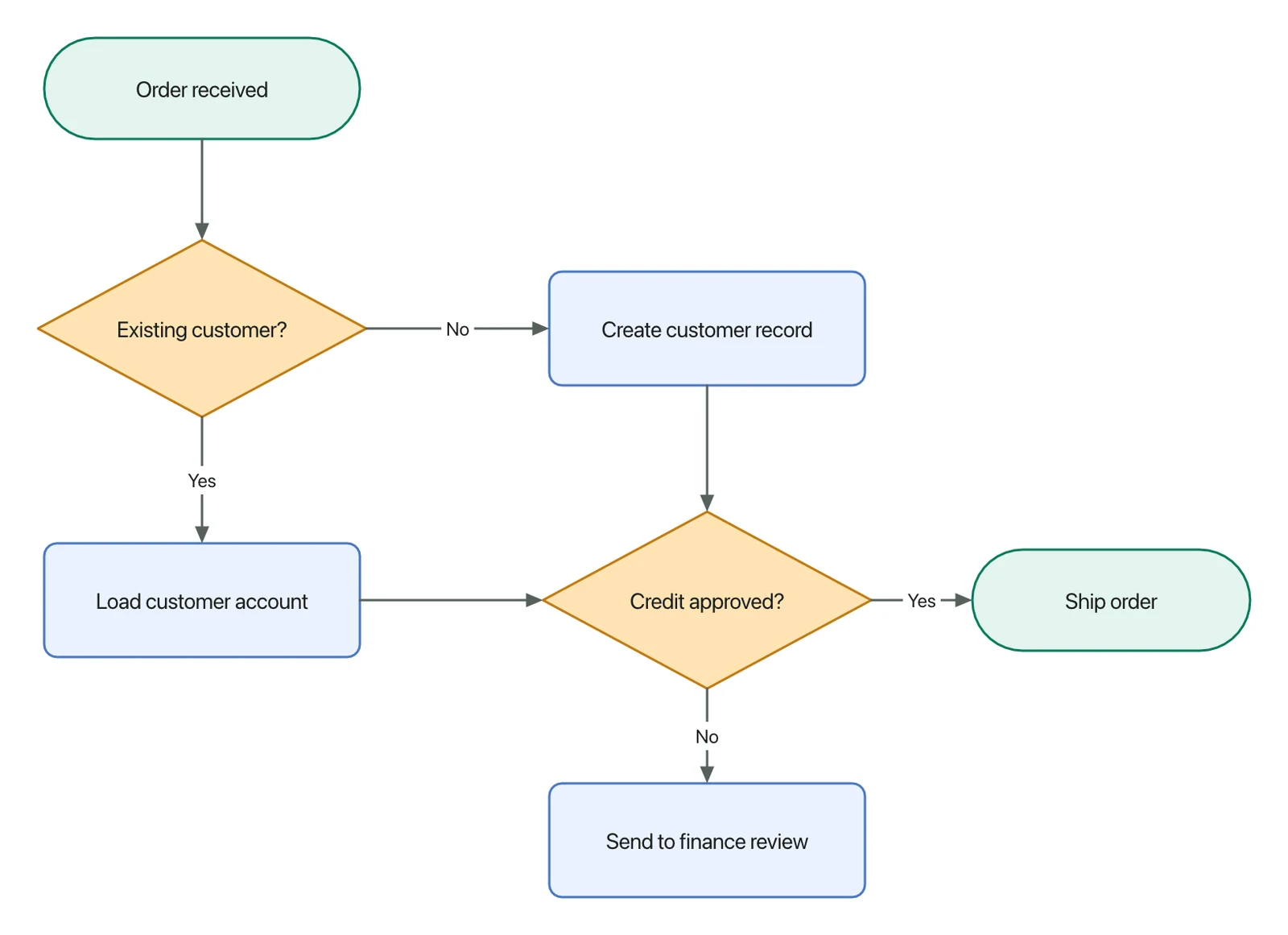
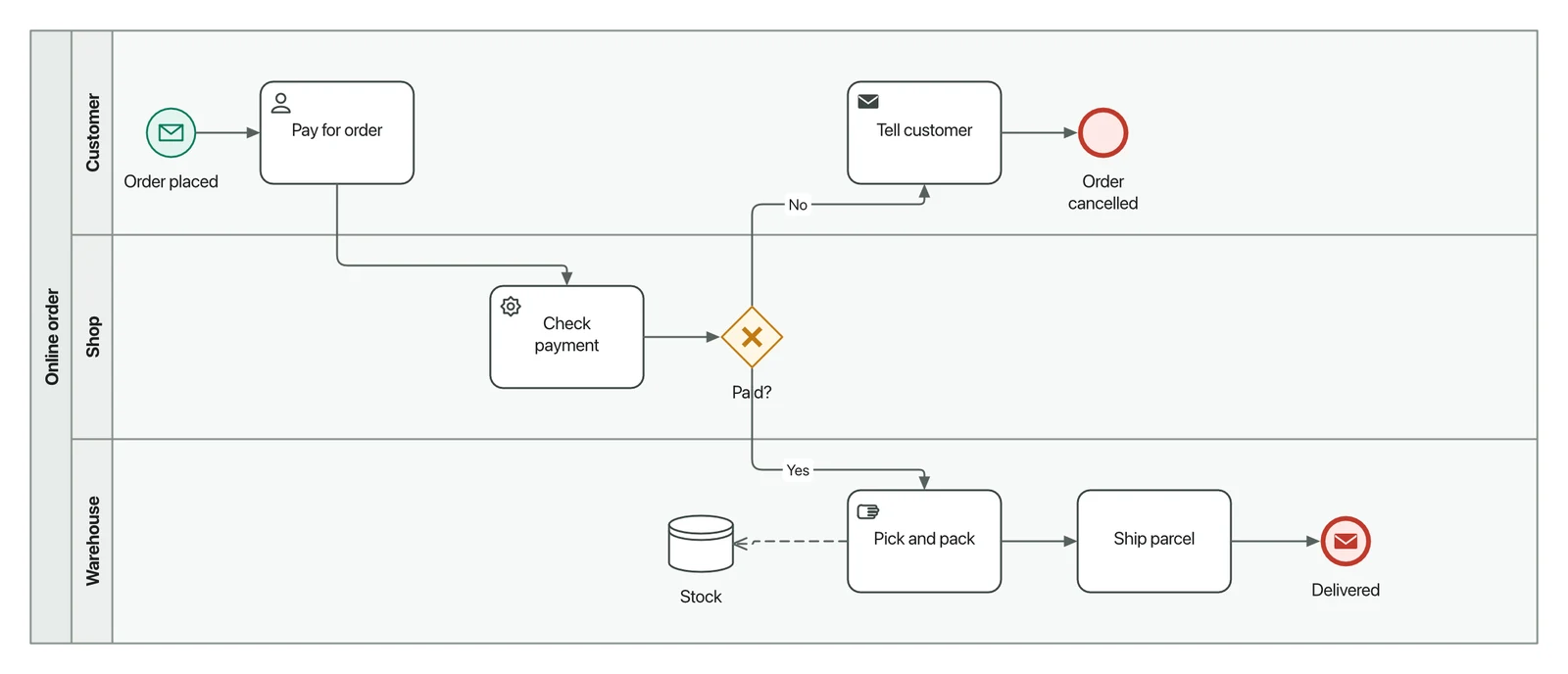
Every picture below was drawn by DiagraMint, straight from its built-in templates.
AI
Type “a hiring process with an approval step” or “a three-tier web app on the cloud”, and Mint lays out a real, editable diagram: proper shapes, labels and lines you can change like anything else.
Pricing
Every licence key works on one Mac and includes all future updates. Buying for a team? Packs give each Mac its own key for less.
$19$49
Launch price · one-time
$220.50
$44.10 per Mac · save 10%
$416.50
$41.65 per Mac · save 15%
$980
$39.20 per Mac · save 20%
Prices in US dollars. Sales tax or VAT may be added at checkout. Launch prices apply to single-Mac orders.
FAQ
Yes. You pay once and the licence never expires. Every future update is included, not just the first year.
Each licence key activates DiagraMint on one Mac. For more Macs, buy a 5, 10 or 25 Mac pack, which gives you one key per Mac at a lower price.
Open DiagraMint on the old Mac and choose Deactivate in Settings › Licence, then enter the key on the new one. If the old Mac is gone, use “Free your key” when activating.
No. DiagraMint is sold once at a fair price instead. Launch prices start at $19.
No account. You need the internet to activate your key, and DiagraMint checks it about once a week. Drawing, saving and exporting all work offline. Your diagrams are files on your Mac.
Mint uses your own Claude API key, so you pay Anthropic directly for what you use, and your diagrams go straight to them, not through us. If you don't want AI, hide it in Settings.
Yes. DiagraMint imports .vsdx, .drawio, SVG, DXF, Mermaid and spreadsheet data, and exports PNG, JPEG, SVG, PDF, PowerPoint (.pptx) and Visio (.vsdx).
A Mac with macOS 14 Sonoma or later.